You are not logged in.
- Topics: Active | Unanswered
#1 2026-08-19 13:49
- seb3773
- Member

- From: France
- Registered: 2023-11-01
- Posts: 286
lnxCAD - (Ctrl-Alt-Del) Ultimate Rescue GUI
Hello ! This one is not specific to TDE, nor Q4OS, but maybe you'll find it usefull 
lnxCAD (Ctrl-Alt-Del) Rescue GUI is a standalone, low-level Linux system rescue utility written in C99, using DRM/KMS and raw Linux input interfaces with minimal external dependencies. It provides a graphical emergency environment inspired by the Windows Ctrl+Alt+Del screen, designed to remain usable even when the desktop environment (X11/Wayland) is frozen or the system is under extreme CPU/RAM pressure.
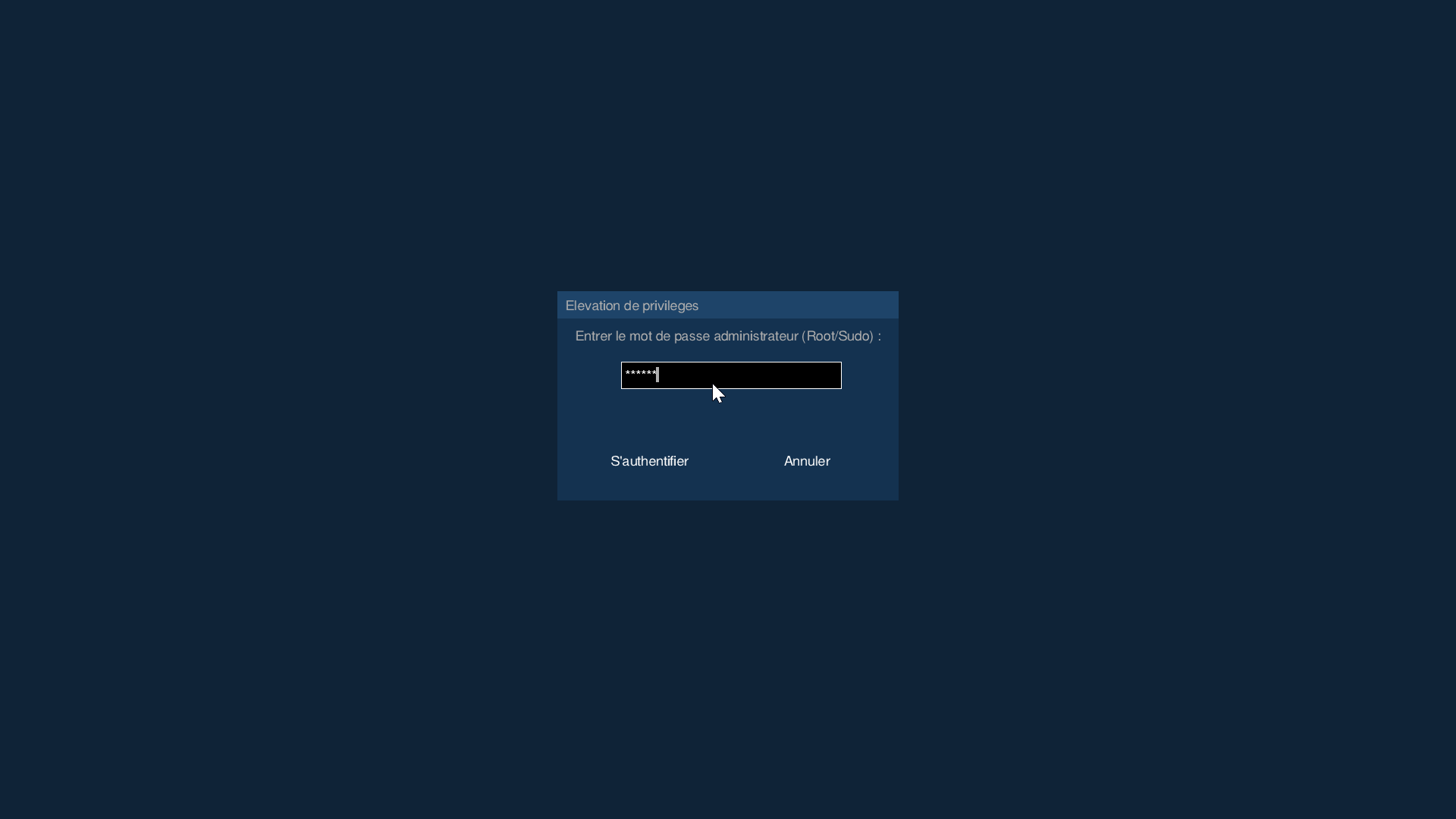
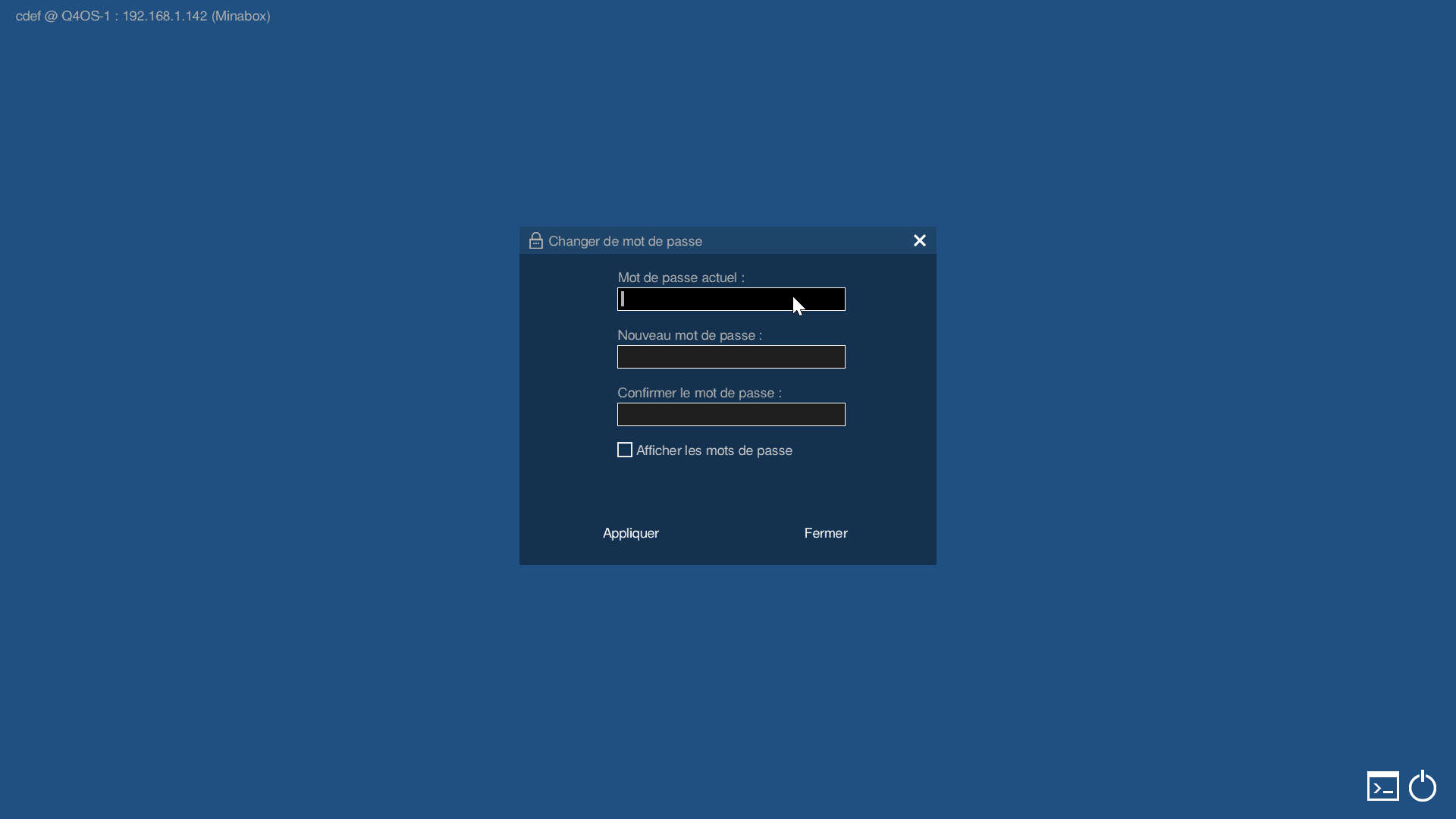
Its main purpose is to provide a last-resort interactive recovery environment without rebooting the machine. Pressing Ctrl+Alt+Del launches lnxCAD independently of the desktop session, takes control of a virtual terminal and the DRM framebuffer, grabs the keyboard directly through evdev, and displays its interface entirely from memory. The user can then inspect system resource usage, identify and terminate a runaway process, open an emergency terminal, lock the session, or perform power/reboot operations before returning safely to the original desktop.
A major focus of the project is resilience under severely degraded system conditions. The rescue GUI protects itself against the OOM killer, prevents its critical memory from being swapped out, uses real-time scheduling and high-priority I/O, avoids dynamic allocation in critical paths, and relies heavily on direct kernel interfaces instead of higher-level desktop services. Its display and input takeover also includes fallbacks for DRM/page-flip failures, while careful restoration logic ensures that the original VT, keyboard and display state are restored when the rescue interface exits.
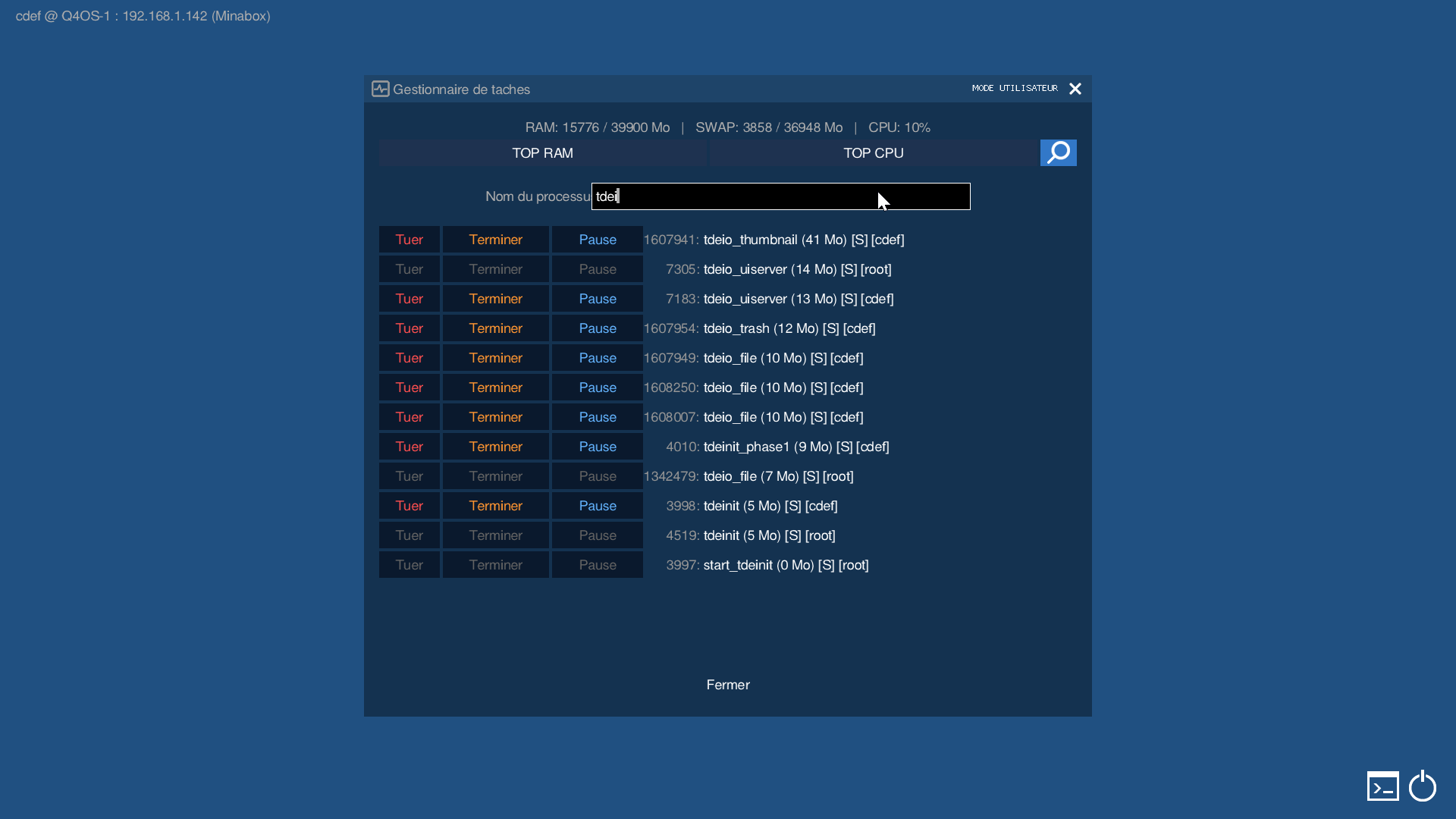
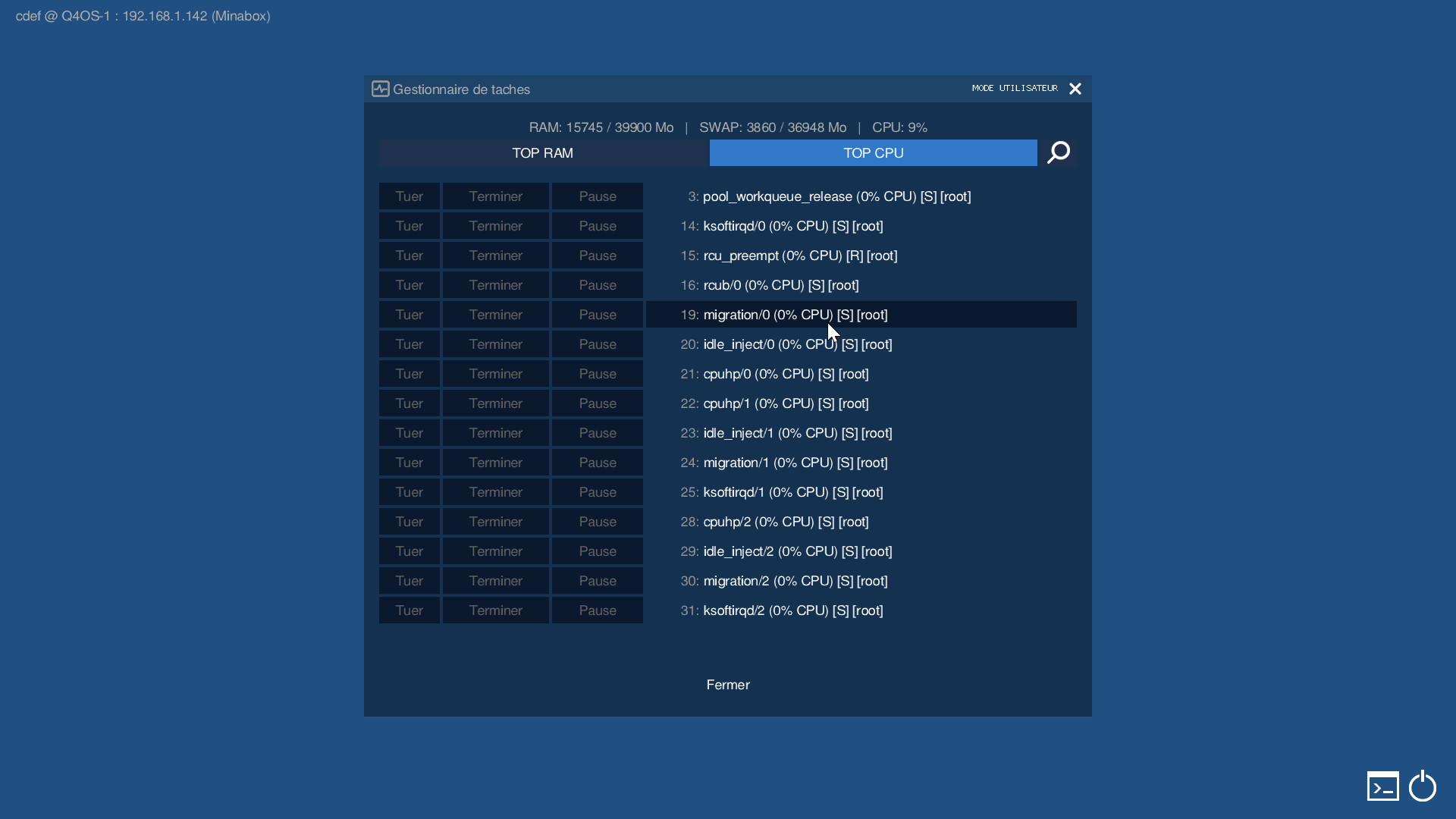
lnxCAD also includes a built-in zero-allocation task manager, capable of scanning /proc directly and displaying the top processes by CPU or RAM usage, with search, pause, terminate and kill actions. A safety blacklist helps prevent accidental termination of critical system processes. The interface can be operated entirely from the keyboard, which is particularly important when the mouse or graphical input stack has failed.
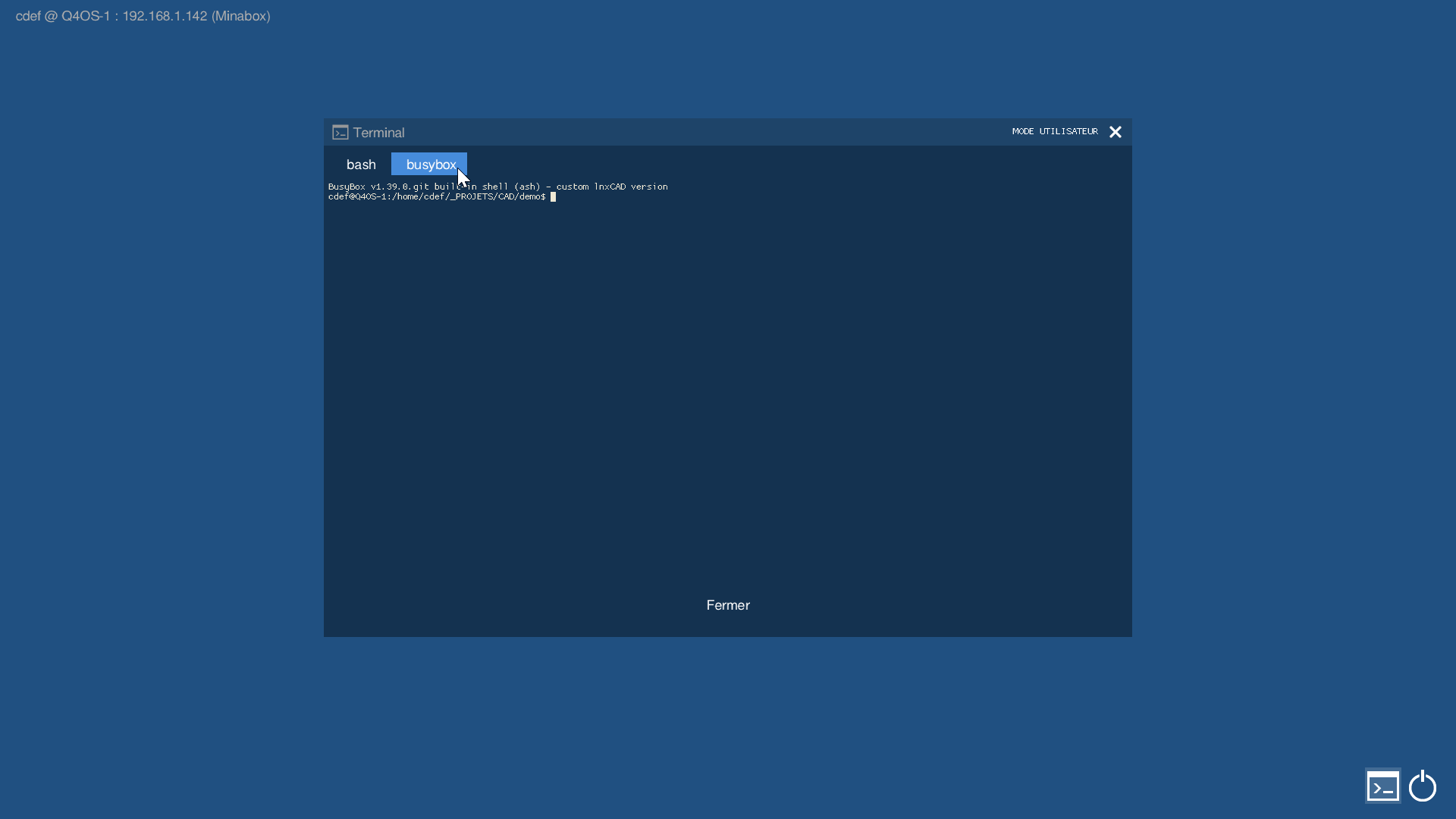
For deeper recovery, lnxCAD integrates a full terminal emulator based on libtsm and a POSIX PTY, allowing interactive tools such as htop, mc or nano to be used directly from the rescue environment. It also embeds a static BusyBox shell directly into the executable, loaded into a RAM-backed memfd, allowing a basic shell to remain available even if /bin/bash, /bin/sh, or the underlying filesystem becomes inaccessible.
The entire application is designed to be self-contained and highly resistant to system failure. Release binaries are statically linked with musl, eliminating runtime shared-library dependencies, while graphical assets, fonts and other resources are embedded directly into the executable. This means lnxCAD can continue operating in situations where normal desktop tools, systemd/logind, dynamic libraries, disk I/O, or even the graphical session itself are no longer reliable.
Although primarily intended as a desktop recovery tool, lnxCAD is also relevant to system administrators, build/HPC machines, kiosks, workstations and GPU-heavy systems where a complete freeze should not automatically mean losing the current session or performing a hard reboot.
.deb package and .qsi packages provided for easy installation.
https://github.com/seb3773/lnxCAD
https://github.com/seb3773/lnxCAD/releases
Some screenshots: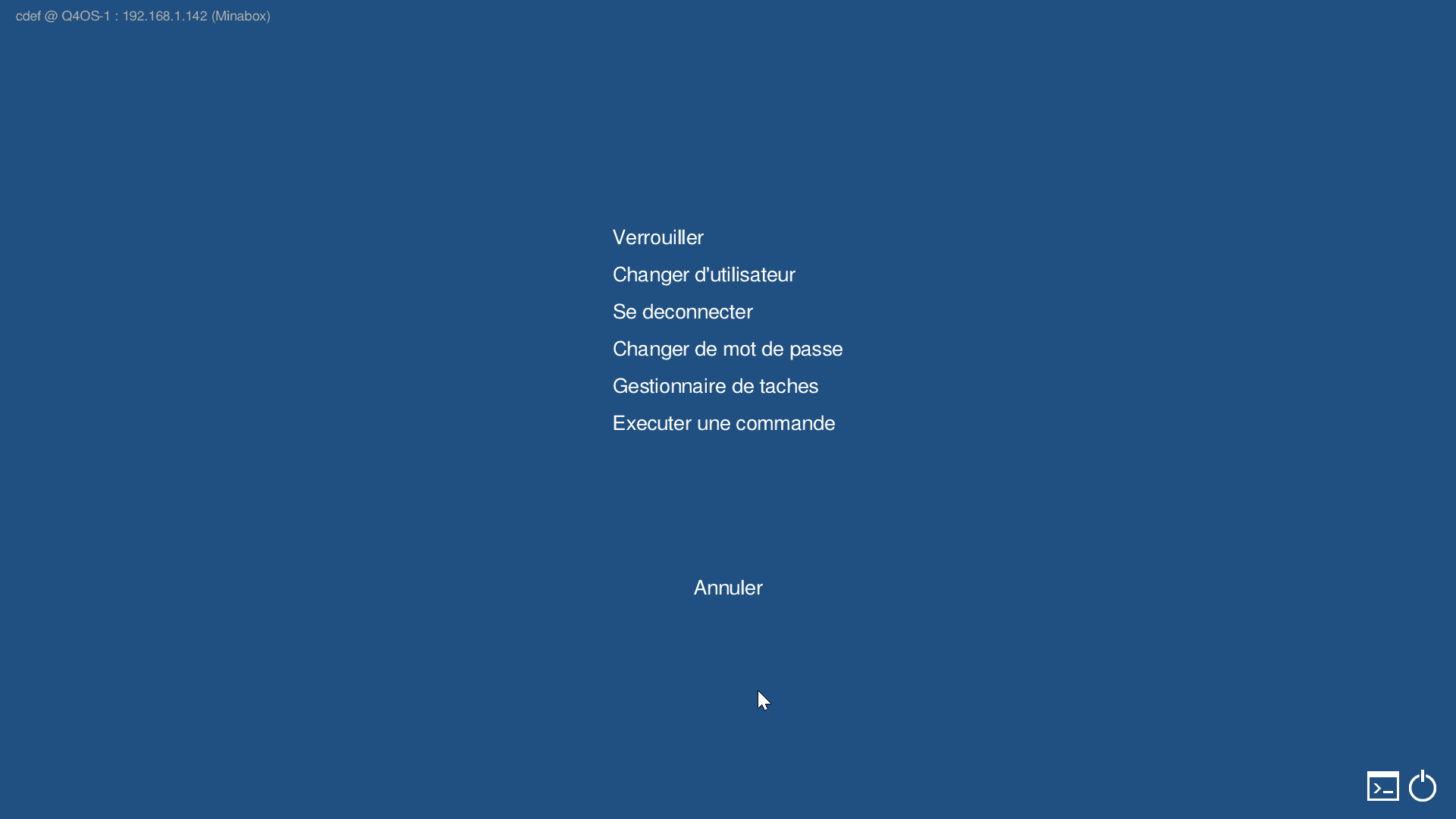
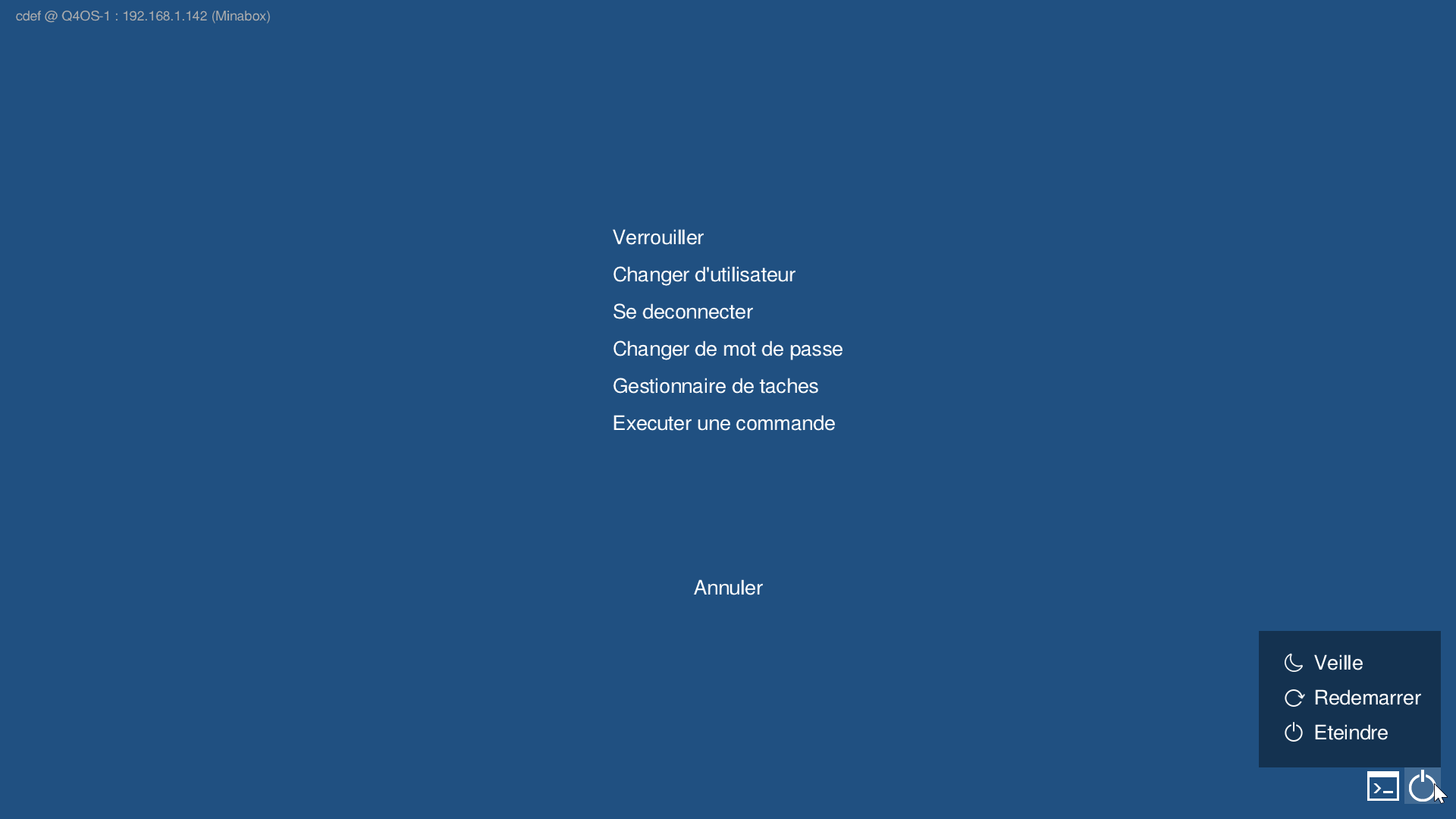
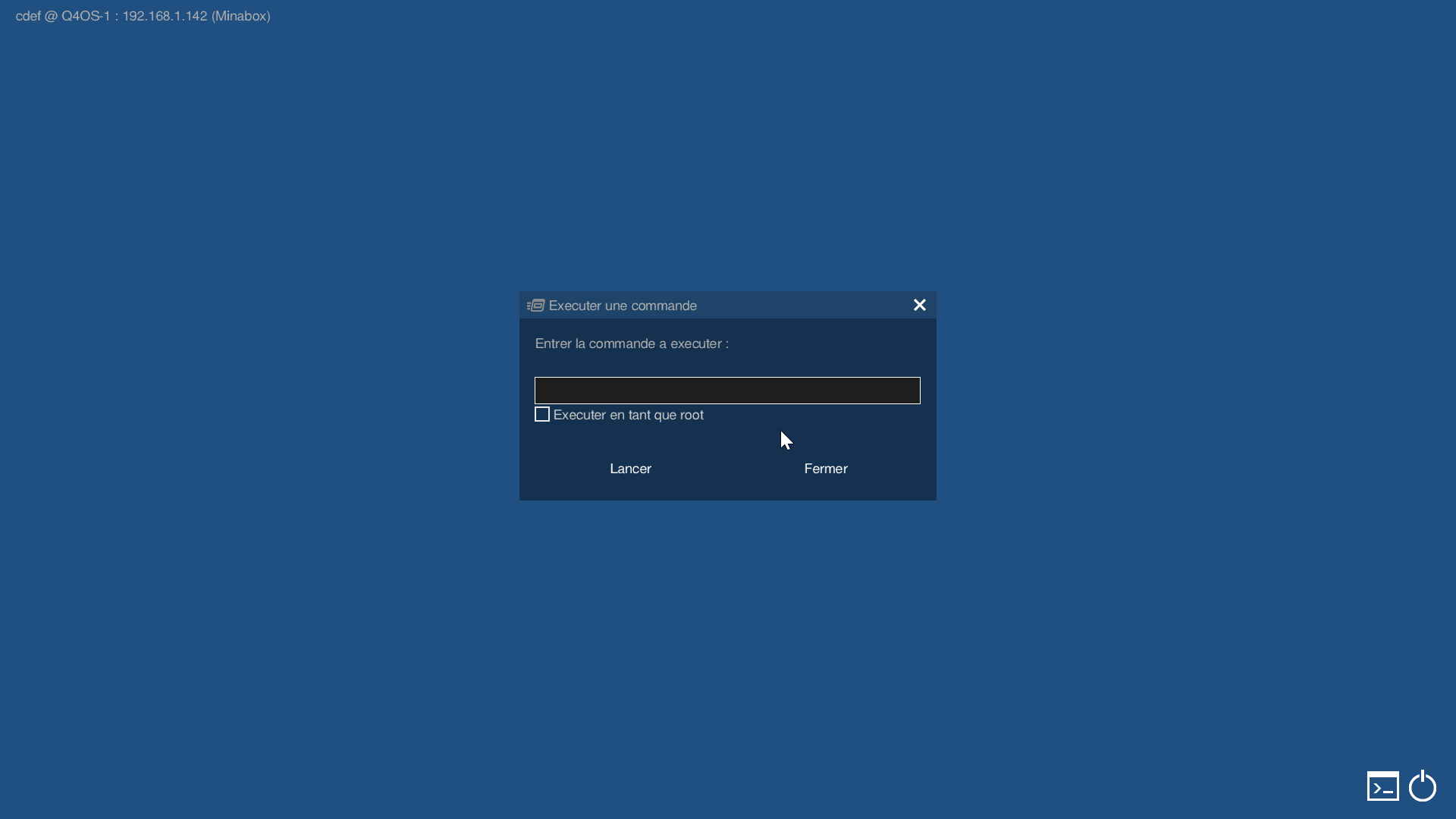
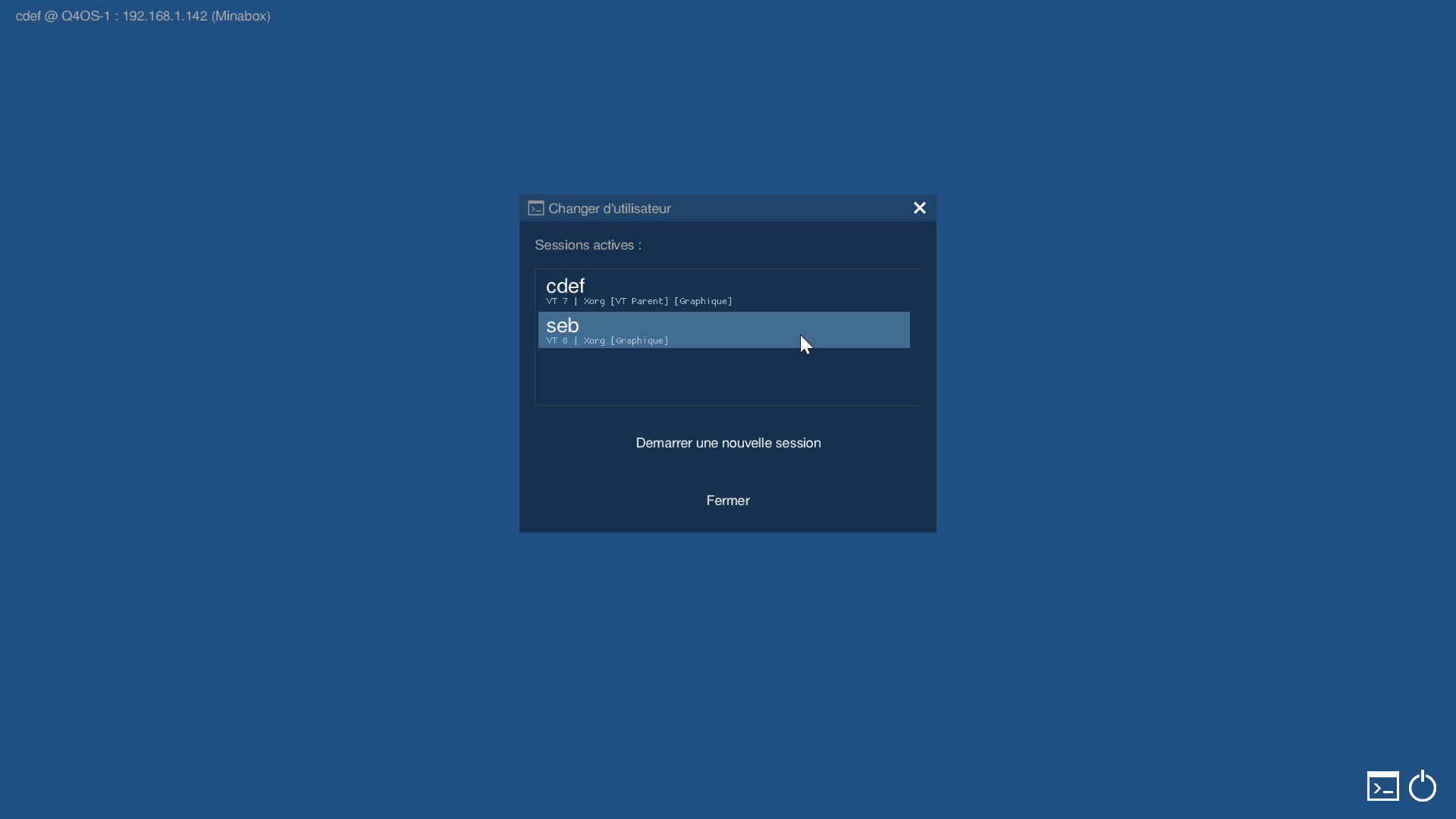
Last edited by seb3773 (2026-09-10 11:41)
Debian & Q4OS (TDE!!), low-level C, ASM (z80/68k/x86/ARM64), embedded systems, CPU architectures (RISC-V, binary formats, assembly), retro-computing, metal music, guitar and sci-fi.
Offline
- Registered users online in this topic: 0, guests: 1